

Office administration has quietly become one of the most automation-friendly corners of the modern workplace. What once relied on paper trails, manual scheduling, and repetitive data entry now runs through connected systems that update calendars, process invoices, and organise documents without constant human input. This shift has changed the day-to-day reality for administrative professionals across the UK, freeing them from routine tasks whilst creating demand for new skills. Understanding how automation fits into modern office administration matters whether you manage a team, work in an administrative role, or simply want to make your own work more efficient.
What Is Office Automation?
Office automation refers to the use of software, digital tools, and connected systems to handle routine administrative tasks with minimal human intervention. It covers everything from basic word processing and spreadsheet functions to sophisticated workflow platforms that manage approvals, track projects, and coordinate communication across departments.
At its simplest, office automation might mean using an email filter to sort incoming messages automatically. At its most complex, it involves entire business process management systems that handle procurement, human resources documentation, and financial reconciliation. The common thread is the reduction of manual, repetitive work in favour of faster, more consistent digital processes.
Research from the McKinsey Global Institute suggests that around 30% of tasks in 60% of occupations could be automated with current technology. Office administration sits squarely within that bracket, with many of its core functions already partially or fully automated in forward-thinking organisations.
The Core Areas of Office Automation
Modern office automation touches nearly every aspect of administrative work. Understanding the main categories helps clarify where these tools deliver the greatest impact.
Document Management and Workflow
Document management systems store, organise, and retrieve digital files whilst tracking changes and maintaining version control. Instead of hunting through shared drives or email attachments, administrative staff can locate the correct document in seconds. Workflow automation takes this further by routing documents for approval, sending reminders, and flagging bottlenecks before they cause delays.
Tools like SharePoint, Google Workspace, and dedicated platforms such as DocuSign have transformed how offices handle paperwork. Electronic signatures alone have cut approval times from days to hours in many organisations, reducing the physical printing and posting that once dominated administrative workloads.
Scheduling and Calendar Management
Automated scheduling tools coordinate meetings across time zones, check availability, and send confirmations without human involvement. Applications such as Calendly and Microsoft Bookings allow external contacts to book appointments directly, eliminating the back-and-forth emails that once consumed significant administrative time. Internal systems can now schedule recurring team meetings, allocate rooms, and even order refreshments based on attendee numbers.
Financial and Administrative Processing
Invoice processing, expense management, and payroll administration have all been transformed by automation. Optical character recognition technology extracts data from scanned invoices, matches them against purchase orders, and routes them for payment approval. Expense management apps allow staff to photograph receipts and submit claims automatically, with systems flagging out-of-policy spending before it reaches a manager’s desk.
Communication and Collaboration
Email remains central to office communication, but automation has added layers of intelligence. Rules and filters sort messages, auto-responders handle routine enquiries, and chatbots answer common questions from staff or customers. Collaboration platforms like Microsoft Teams and Slack integrate with other systems, allowing automated notifications about project updates, document changes, or approaching deadlines to reach the right people without manual sending.
How Automation Is Changing Administrative Roles
The rise of office automation has not eliminated administrative roles, but it has changed them substantially. Routine data entry, filing, and basic coordination tasks have declined, whilst demand has grown for staff who can manage digital systems, analyse information, and handle complex interpersonal situations.
Administrative professionals now spend more time on tasks that require judgement, creativity, and emotional intelligence. They troubleshoot system issues, interpret data generated by automated tools, and manage exceptions that fall outside standard processes. The role has shifted from task execution to process oversight.

This transition has created both opportunities and challenges. Workers with strong digital skills and adaptability find their roles more varied and strategic. Those without these skills face pressure to upskill or risk being left behind. The most successful administrative professionals now combine traditional organisational abilities with technological fluency.
Benefits of Office Automation
Organisations that implement office automation effectively report several consistent advantages.
- Time savings: Automated systems complete repetitive tasks faster than humans, freeing staff for higher-value work. A study by Asana found that workers spend 60% of their time on work about work—searching for information, switching between apps, and managing shifting priorities—rather than skilled tasks. Automation directly attacks this inefficiency.
- Reduced errors: Manual data entry produces mistakes. Automated systems validate information, flag inconsistencies, and maintain accuracy across thousands of transactions. This proves particularly valuable in financial administration, where errors can have serious consequences.
- Improved consistency: Automated processes follow the same steps every time, ensuring that procedures are followed correctly regardless of who is involved. This consistency supports compliance and quality control.
- Better resource allocation: With routine tasks handled automatically, organisations can redirect administrative capacity towards strategic support, customer service, and problem-solving.
- Enhanced visibility: Digital systems create audit trails and real-time dashboards, giving managers clear insight into workload, bottlenecks, and performance.
Challenges and Considerations
Despite its benefits, office automation presents real challenges that organisations must navigate carefully.
Implementation costs can be substantial, particularly for small and medium-sized enterprises. Beyond software licences, organisations must invest in training, data migration, and process redesign. The transition period often brings temporary disruption as staff adapt to new ways of working.
Security concerns also demand attention. Automated systems handle sensitive information, and any vulnerability can expose confidential data. Organisations must ensure that automation tools meet UK data protection requirements and that access controls remain robust.
Perhaps most significantly, automation raises questions about employment. Whilst few administrative roles have disappeared entirely, the number of entry-level positions has declined in some sectors. Organisations face pressure to support staff through transitions, providing training and development opportunities that prepare workers for evolving responsibilities.
Office Automation Examples in Practice
Real-world applications of office automation vary widely depending on organisational size and sector. Here are some practical examples that illustrate the technology in action.
Automated Onboarding
When a new employee joins an organisation, automation can trigger a sequence of actions: creating user accounts, sending welcome information, scheduling induction meetings, and assigning mandatory training. Human resources staff receive notifications only when exceptions arise, such as missing documentation or system conflicts. This reduces onboarding time from days to hours whilst ensuring nothing is overlooked.
Intelligent Email Management
Customer service and administrative teams use automated email triage to categorise incoming messages, assign them to appropriate staff, and suggest responses based on previous similar enquiries. Routine questions receive immediate automated replies, whilst complex issues reach human handlers with context already attached.
Automated Reporting
Instead of manually compiling weekly or monthly reports, administrative staff set up automated data extraction and formatting. Dashboards update in real time, and scheduled reports reach stakeholders automatically. This eliminates the risk of human error in data transcription and ensures consistency across reporting periods.
Meeting Room and Resource Management
Smart booking systems manage meeting rooms, hot desks, and shared equipment. Sensors detect when rooms are occupied or vacant, automatically releasing bookings for no-shows. Staff locate available spaces through mobile apps rather than walking the corridors or sending group emails.
The Future of Office Automation
Office automation continues to evolve, driven by advances in artificial intelligence, machine learning, and natural language processing. Current trends suggest several directions for the next phase of development.
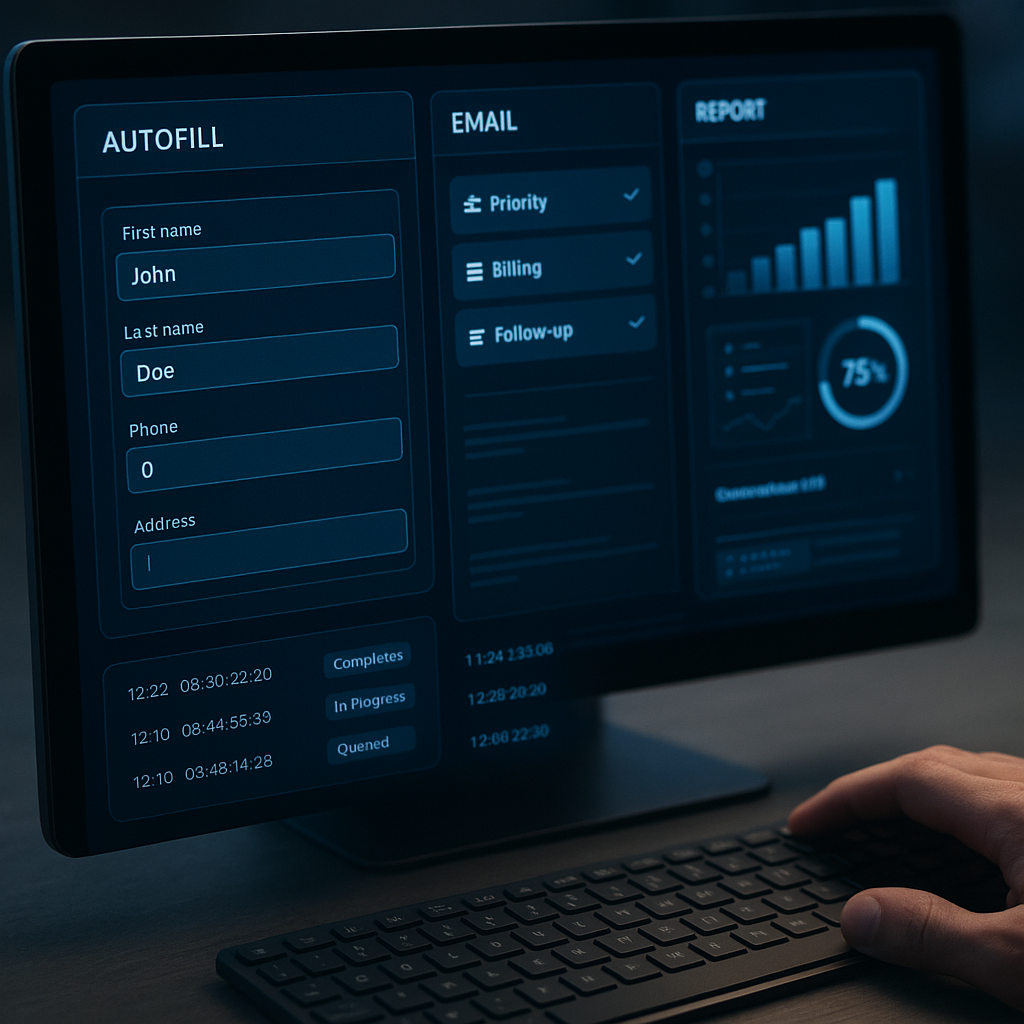
AI-powered assistants will handle increasingly complex tasks, from drafting correspondence to analysing documents and summarising key points. Predictive analytics will anticipate administrative needs before they arise, suggesting actions and automating routine decisions. Integration between systems will deepen, creating seamless workflows that span multiple platforms without manual intervention.
The concept of the “hyperautomation”—combining multiple automation technologies into unified, intelligent systems—will become more accessible to organisations of all sizes. This will extend automation beyond individual tasks to entire business processes, further transforming administrative work.
However, the human element will remain essential. Automation excels at routine, predictable tasks but struggles with nuance, context, and interpersonal dynamics. The most effective offices will be those that find the right balance, using technology to handle what machines do best whilst preserving space for human judgement and connection.
Frequently Asked Questions
What is the difference between office automation and business process automation?
Office automation focuses specifically on administrative and clerical tasks within office environments, such as document management, scheduling, and communication. Business process automation is a broader term that encompasses the automation of entire business processes across departments, including manufacturing, logistics, and customer-facing operations. Office automation is often a component of wider business process automation initiatives.
Will office automation eliminate administrative jobs?
Current evidence suggests transformation rather than elimination. Whilst some routine tasks have been automated, administrative roles continue to evolve towards more strategic, analytical, and interpersonal functions. The World Economic Forum estimates that whilst 85 million jobs may be displaced by automation by 2025, 97 million new roles will emerge, many requiring skills that combine technical and human capabilities.
What skills do administrative professionals need in an automated office?
Digital literacy is fundamental, including proficiency with common office software, collaboration platforms, and automation tools. Data analysis skills help staff interpret information generated by automated systems. Problem-solving and adaptability remain crucial, as does the ability to manage relationships and communicate effectively. Training in specific automation platforms relevant to your industry provides a significant advantage.
How can small businesses benefit from office automation?
Small businesses often gain the most immediate benefits from office automation, as they typically have fewer resources to dedicate to administrative tasks. Cloud-based automation tools offer affordable entry points, with subscription models that avoid large upfront costs. Starting with simple automations—such as email filters, automated invoicing, or online scheduling—delivers quick wins and builds confidence for more complex implementations.
Conclusion
Office automation has moved from experimental technology to standard practice, reshaping administrative work in ways both subtle and profound. The quiet takeover continues as organisations discover new applications for tools that save time, reduce errors, and free human capacity for more meaningful work.
Success in this environment requires understanding what automation can and cannot do. It excels at routine, rule-based tasks but cannot replicate human judgement, creativity, or emotional intelligence. The administrative professionals who thrive will be those who embrace automation as a tool rather than viewing it as a threat, developing skills that complement technological capabilities.
For organisations, the challenge lies in implementing automation thoughtfully—selecting tools that address genuine needs, supporting staff through transitions, and maintaining the human connections that remain essential to effective administration. The future office will not be fully automated, but it will be automated in ways that make work more efficient, more accurate, and more human.