
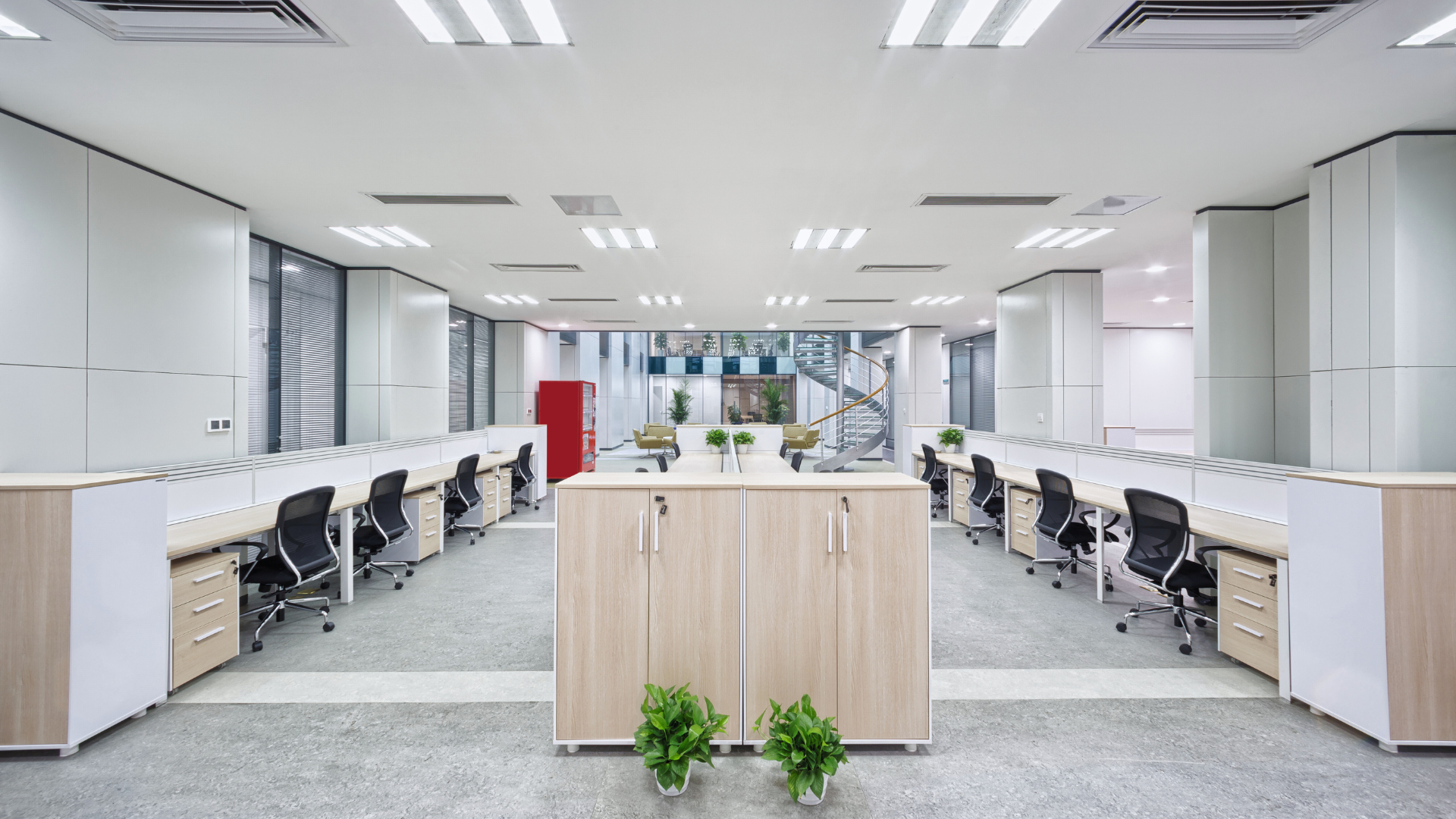
Maximising a small office space is essential for productivity and comfort. With limited room, every inch must serve a purpose without causing clutter or distraction. Effective storage solutions, strategic furniture placement, and smart use of light can significantly enhance the functionality of a small office space.
Small offices often face challenges like cramped layouts and insufficient storage. By focusing on multifunctional furniture and utilising vertical space, it is possible to create an organised and efficient work environment. These practical strategies help maintain a professional atmosphere while making the most of the available area. Additionally, partnering with a reliable local cleaning company ensures that deep cleaning tasks are handled consistently and professionally. This approach not only preserves the condition of office furniture but also creates a more inviting atmosphere for both employees and visiting clients.
Adapting the space to the specific needs of the user is key. Personalising the setup with practical tools and thoughtful design improves both focus and workflow, proving that a small office need not limit performance or comfort.
Smart Storage Solutions for Small Offices
Optimising storage in a small office requires strategic use of every available area. Combining vertical space utilisation, versatile furniture, and digital options significantly improves organisation without overcrowding.
Maximising Vertical Space
Small offices benefit greatly from vertical storage such as tall shelving units and wall-mounted racks. These options free up floor space and keep items accessible.
Shelves should be arranged to store frequently used supplies within easy reach, while less common materials can be placed higher up. Magnetic strips or pegboards on walls can also hold tools, stationery, or cables neatly.
Using vertical file organisers attached to walls or the side of desks increases document storage without consuming desk area. Proper lighting near vertical storage ensures visibility and ease of use.
Clever Use of Filing Cabinets
Filing cabinets remain essential, especially in offices with physical documents. Compact, narrow cabinets fit into tight spaces and can be positioned under desks.
Choosing cabinets with labelled drawers helps maintain order and speeds up retrieval. Mobile filing cabinets with wheels add flexibility by allowing easy movement when cleaning or rearranging.
For businesses that still need extra space for archives, seasonal stock, or oversized items, off-site units can act as a practical extension of the office. Local facilities often provide a range of unit types—drive-up access, climate-controlled and ground-floor options—that protect sensitive documents and equipment while keeping them accessible. Many office managers compare nearby providers when planning moves or decluttering, frequently relying on top rated storage companies for convenient, secure solutions close to work. Incorporating short-term or overflow storage into your space plan preserves in-office functionality without sacrificing access to stored items.
Stackable filing units maximise vertical storage too. For offices with limited space, combining filing cabinets with a workspace on top can optimise usage.
Incorporating Storage Ottomans and Multi-Functional Furniture
Storage ottomans offer both seating and hidden storage, ideal for small offices where space is at a premium. They can hold supplies such as extra paper, stationery, or cables, reducing clutter.
Multi-functional furniture, such as desks with built-in drawers and shelves, minimises the need for separate storage units. Fold-out tables or desks with lift-top surfaces add further utility.
Choosing furniture with integrated storage promotes a tidy environment and reduces the number of separate pieces, making cleaning and moving easier.
Digital Storage Alternatives
Shifting paper documents to digital storage cuts down physical clutter significantly. Cloud services like Dropbox enable secure storage and easy access to files from any device.
Scanning important documents and organising them in cloud folders decreases the need for multiple filing cabinets. It also facilitates collaboration when working with remote colleagues.
Backing up data regularly protects against loss, ensuring critical documents remain accessible without relying on space-consuming physical copies.
Effective Office Design and Layout
Maximising a small office space requires careful planning of functional areas and visual openness. Strategic zoning, transparent barriers, and thoughtful lighting play key roles in enhancing both productivity and comfort.
Creating Defined Work Zones
Clearly designated areas reduce clutter and improve workflow in limited office space. Assign zones for individual tasks such as computer work, meetings, and storage.
Use furniture like desks and shelving units as natural dividers. This helps in establishing boundaries without compromising openness.
Compact, multi-purpose furnishings can transition a zone’s function throughout the day. For example, foldaway desks or stackable chairs save space when not in use.
Utilising Glass Partitions for Openness
Glass partitions are effective in separating areas while maintaining a sense of openness. Unlike opaque walls, glass allows light to pass, making the space feel larger and less confined.
They reduce noise between zones, which is important when different tasks require focus or privacy. Frosted or tinted glass can offer privacy without blocking light.
Glass panels are also visually modern and integrate well with minimalist office design trends, which benefit small spaces by avoiding visual clutter.
Optimising Lighting and Colour Schemes
Natural and artificial lighting can dramatically affect the perception of space. Position work areas near windows to maximise daylight, improving mood and reducing energy costs.
Use adjustable LED lighting to ensure consistent brightness throughout the day. Avoid harsh overhead lights; instead, opt for diffused or task lighting.
Light, neutral colour schemes on walls and furniture expand visual boundaries. Accents in muted tones can add interest without overwhelming the room.
Maximising Productivity and Comfort
Efficient use of limited office space depends on careful organisation, smart furniture choices, and technology integration. These factors minimise distractions, improve workflow, and create a more comfortable environment for work.
Reducing Clutter for Better Focus
Clutter in a small office space hinders concentration and reduces productivity. It is essential to prioritise storage solutions such as vertical shelving, under-desk drawers, and wall-mounted organisers. These keep surfaces clear and essential items within reach.
Regularly decluttering by removing unnecessary items prevents accumulation. Keeping only daily-use tools on the desk helps maintain a tidy work area. A clear desk encourages focused work and reduces stress caused by visual distractions.
For offices that struggle to maintain cleanliness due to limited time or staff, professional help can be invaluable. Engaging office cleaning Surrey services (or similar services elsewhere) can ensure that the workspace remains consistently organised and hygienic, supporting a productive environment.
Choosing the Right Furniture Arrangements
Furniture in a limited office space must balance functionality and footprint. Compact desks with built-in storage, corner desks, or adjustable-height desks optimise available space. Arranging furniture to allow easy movement also improves comfort and reduces wasted space.
Multi-purpose pieces, like filing cabinets doubling as seating or foldable tables, add practicality. Positioning desks close to natural light sources enhances alertness and reduces eye strain. Furniture layout should support both solo work and collaborative projects if necessary.
Incorporating Wireless Technology
Wireless technology eliminates cables, further reducing clutter in a small office space. Using wireless keyboards, mice, printers, and charging pads simplifies cable management and enhances workspace neatness.
Wireless internet and Bluetooth devices allow flexible positioning of office equipment, adapting easily to space constraints. Keeping devices updated and compatible ensures smooth operation, minimising interruptions caused by technology failures.